

Several factors can contribute to your phone’s sluggish charging speed. Identifying the root cause is the first step to a faster charge.
-
Faulty Charging Cable: This is perhaps the most common reason. Charging cables, especially third-party ones or those that have seen a lot of wear and tear, can degrade over time. Internal wires can fray, leading to a poor connection and reduced power transfer.
-
Solution: Try a different charging cable, preferably the original one that came with your phone, or a high-quality certified replacement.
-
-
Weak Power Adapter/Charger: Not all chargers are created equal. Using a low-power adapter (like an old iPhone 5W charger for a newer, power-hungry smartphone) will result in significantly slower charging times.
-
Solution: Use the power adapter that came with your phone or a high-wattage, fast-charging compatible adapter from a reputable brand. Look for terms like “fast charge,” “Quick Charge” (Qualcomm), or “Power Delivery (PD)” on the adapter.
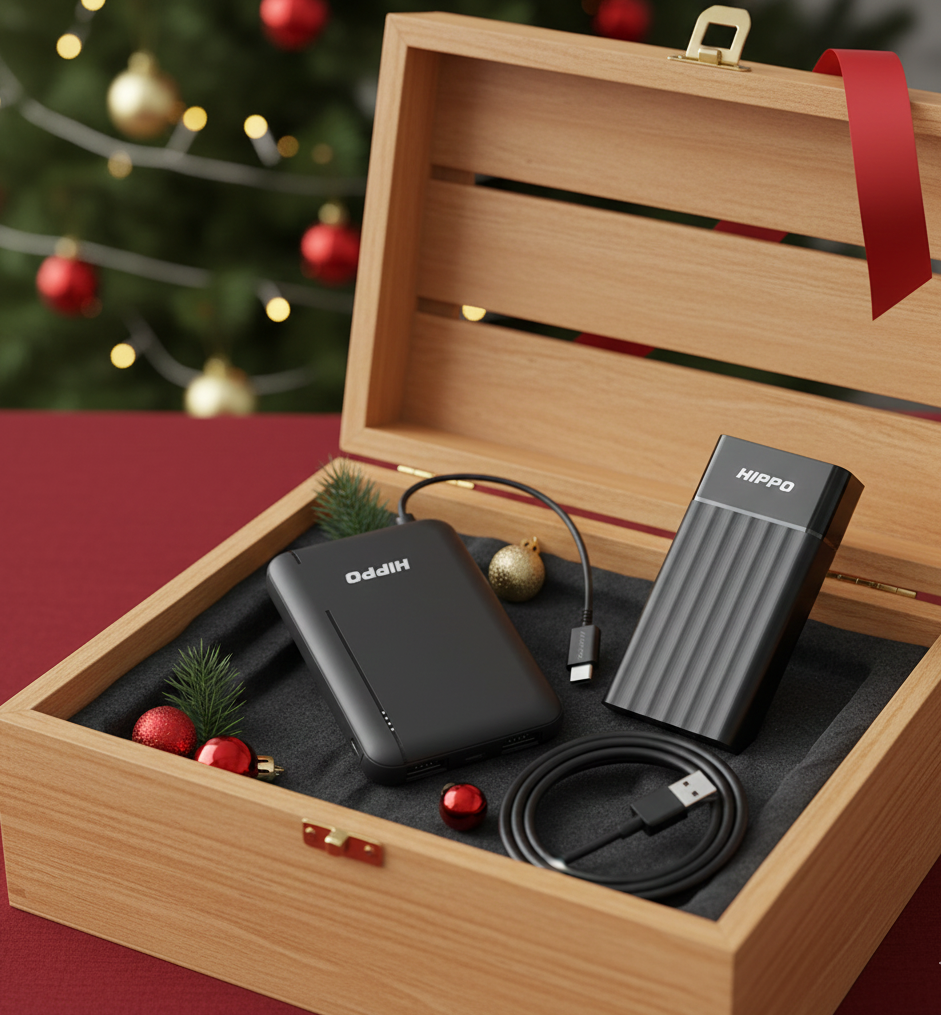
BUY HIPPO CHARGER
-
-
Dirty Charging Port: Lint, dust, and debris can accumulate in your phone’s charging port, preventing the cable from making full contact with the charging pins. This can lead to intermittent charging or very slow speeds.
-
Solution: Gently clean the charging port. Turn off your phone and use a wooden or plastic toothpick, or a can of compressed air, to carefully dislodge any foreign material. Avoid using metal objects that could damage the pins.
-
-
Aging Battery: Over time, all rechargeable batteries lose their capacity and efficiency. An older battery will naturally take longer to charge and won’t hold a charge as long as a new one.
-
Solution: Check your phone’s battery health settings (usually found in “Battery” under settings). If your battery health is significantly degraded (e.g., below 80% maximum capacity), consider getting the battery replaced by a professional.
-
-
Using Your Phone While Charging: If you’re gaming, streaming videos, or running power-intensive apps while your phone is plugged in, it will charge much more slowly. The power coming in is being immediately consumed by the active apps.
-
Solution: Try to avoid using your phone for intensive tasks while it’s charging. For the fastest charge, put your phone in airplane mode or turn it off entirely.
-
-
Software Glitches or Background Apps: Sometimes, a rogue app running in the background can consume excessive power, even when the screen is off, impacting charging speed.
-
Solution: Restart your phone. If the problem persists, check your battery usage statistics to identify any apps consuming an unusual amount of power. Close or uninstall problematic apps. Ensure your phone’s operating system is up to date.
-
-
Overheating: If your phone gets too hot while charging, it might deliberately slow down the charging process to prevent damage to the battery and other components.
-
Solution: Charge your phone in a cool, well-ventilated area. Remove any thick cases that might trap heat. Avoid charging in direct sunlight.
-


Leave a Reply